Nano Banana 2.5
Nano Banana 2.5 is an AI image generation and editing model built for precise local edits and consistent visuals. Swap text, change outfits, or refine one area of an image, and keep iterating while the surrounding details stay intact.
Reference Image Generation
Nano Banana 2.5 Reference Images for Consistent Characters & Subjects
Use Nano Banana 2.5 reference images to keep people, products, pets, and scenes consistent across new styles, backgrounds, and compositions while preserving recognizable details.
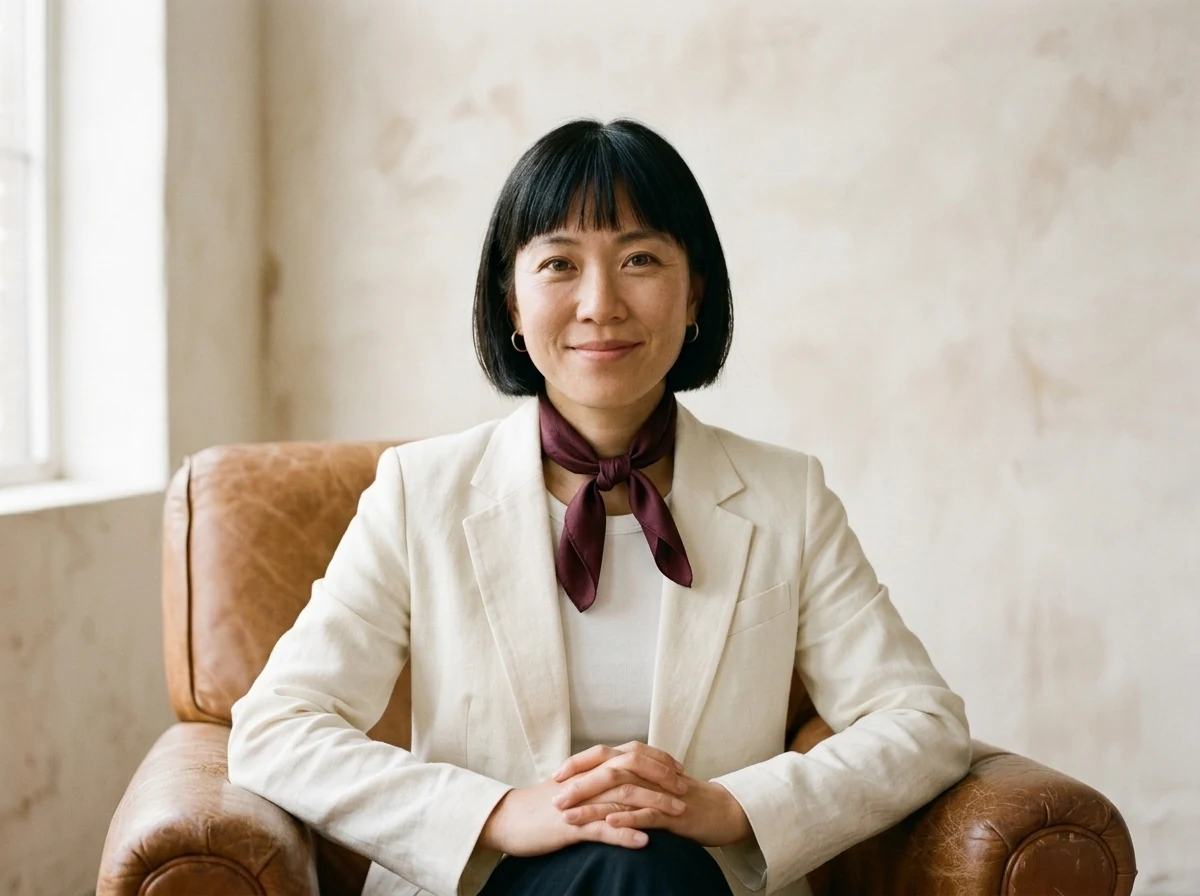
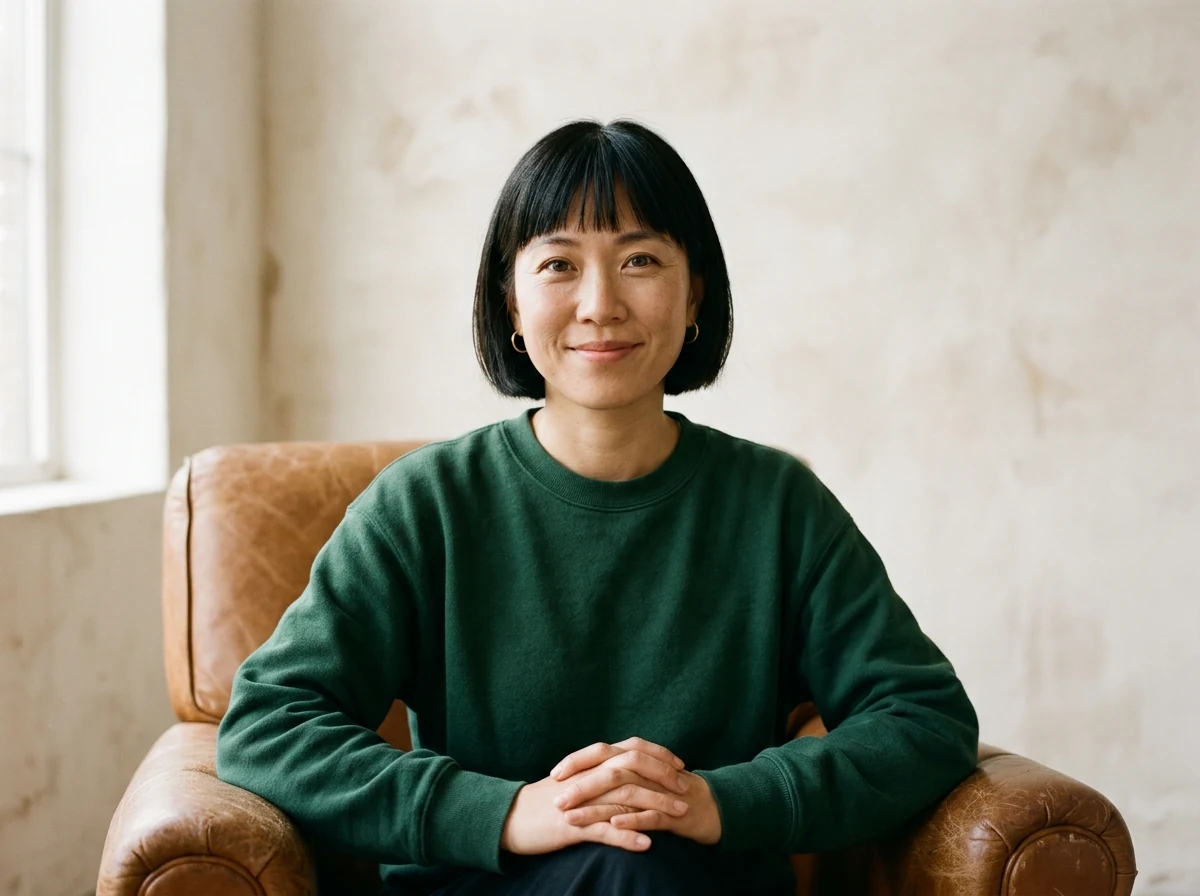
Drag or use the arrow keys to compare the reference image on the left with the generated result on the right. Home shows the full result; End shows the full reference.
Precise Image Editing
Nano Banana 2.5 AI Image Editing – Change Only What You Want
Use Nano Banana 2.5 to edit backgrounds, objects, colors, text, and small details while preserving the rest of the image, composition, and visual style.
 Original
 Nano Banana 2.5 Edit
Multi-Turn Image Editing
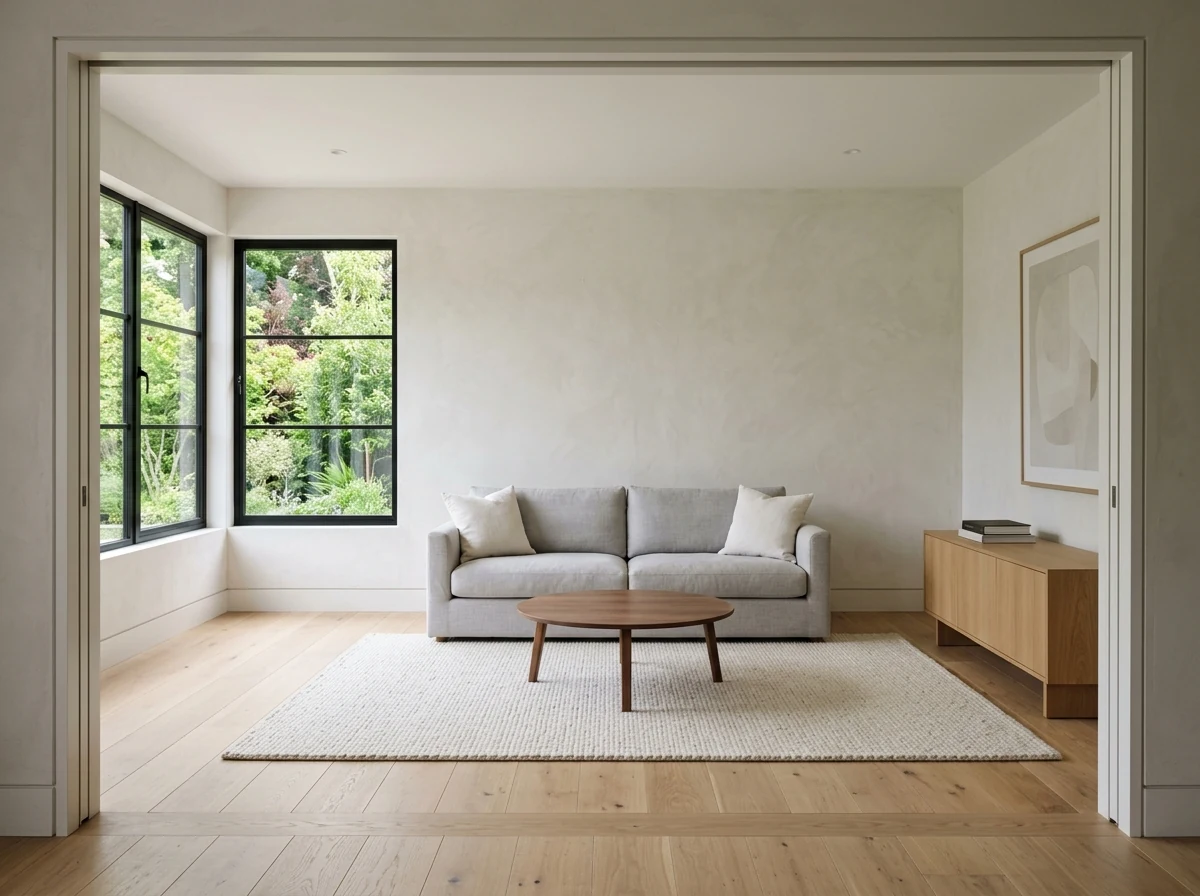
Nano Banana 2.5 Multi-Turn Image Editing – Refine the Same Image Step by Step
Keep editing the same image with Nano Banana 2.5 while preserving earlier changes, visual consistency, and the overall composition across multiple turns.
Complex Instructions & Style Understanding
Nano Banana 2.5: Intelligent Understanding of Complex Prompts and Styles
Describe subjects, text, layouts, and visual styles in Nano Banana 2.5. Bring detailed creative directions together in one image, then refine the composition, colors, and details.
Model comparison
Nano Banana 2.5 vs Nano Banana 2
Compare creative workflows, local edits, and successive revisions. The Nano Banana 2.5 column outlines areas to evaluate, not verified capabilities or performance gains.
| Comparison point | Nano Banana 2.5 | Nano Banana 2 |
|---|---|---|
| Creative focus | Evaluate its potential for detailed edits and repeated revisions, with attention to finished image quality. | Generate images from text or edit reference images for everyday ideas, design, and content. |
| Local edits | Check whether changes to text, clothing, or objects stay within the intended area. | Modify an existing image with text instructions. Check surrounding areas after complex changes. |
| Successive revisions | Test how well subject details and earlier changes carry through multiple rounds of editing. | Keep editing an existing result, checking the subject, composition, and details after each revision. |
| Generation efficiency | Measure generation and editing times under matching conditions before claiming a speed improvement. | Supports fast generation and editing. Wait times depend on image size, task complexity, and service load. |
| Use cases | Evaluate text replacement, product detail changes, and design tasks that require several revisions. | Explore ideas, create social images and product scenes, or make everyday image edits. |
How It Works
Create an Image with Nano Banana 2.5
Start with text or a reference image, choose your settings, then review, refine, and save the result.
Start with an Idea or an Image
Describe the subject, style, and key details. To edit an existing image, upload it and explain what you want to change.
Choose a Model and Image Settings
Select a model in the generator, then set the aspect ratio and resolution to suit your project.
Review, Refine, and Save
Preview and download your image. For another revision, use the result as a reference and add instructions for the next change.
USE CASES
What Can You Create with Nano Banana 2.5?
Create social graphics, product images, and ad concepts with Nano Banana 2.5. Start with text or a reference image and tailor the result to your project.
Content Creators
Make video thumbnails, social graphics, or event posters. Describe your idea, then adjust the visual style and details.
Marketing Teams
Create several ad variations from one campaign idea. Try different copy, compositions, and colors for each promotional channel.
Ecommerce Brands
Upload a product reference and explore backgrounds, lighting, and styling for product pages, storefronts, and promotions.
Designers & Creative Teams
Turn sketches or written ideas into concept images. Explore composition, color, and style to guide design discussions and further work.
Agencies
Prepare different visual directions for client pitches. Refine images based on feedback to make ideas and proposed changes easier to discuss.
Small Businesses
Create menu images, promotional posters, and social graphics for your business. Start with existing photos to build a collection of everyday marketing materials.
COMMUNITY
What Creators Are Saying About Nano Banana 2.5
A curated feed of recent Nano Banana 2.5 tests, examples, and reactions shared by creators on X.
Pricing
Nano Banana 2.5 Pricing & Plans
Start free, then choose a plan based on how often you generate and edit images with Nano Banana 2.5.
Basic
$190.8 / year
Save $48 per year
Great for getting started and everyday creative work.
Pro
$454.8 / year
Save $144 per year
For steady creation, content publishing, and commercial use.
Premium
$838.8 / year
Save $360 per year
For teams, businesses, and high-frequency creative production.
All prices are in USD. Annual plans are billed annually and credits are granted monthly. Actual credit usage varies by model and generation settings.
Questions, Answered
Nano Banana 2.5, Explained in Plain Language
Everything you might want to know before your first generation with Nano Banana 2.5.
Nano Banana 2.5 is the AI image generation and editing service on this site. Start with a text description or upload an image, then adjust the subject, background, text, or style. Available options and results depend on the model you select.
Create Your Next Image with Nano Banana 2.5
Describe your idea or upload a reference image, then generate an image and refine the details.